Project 6:
Cat Components
This website is a project for my NMIX 5110: Advanced New Media Production class.
This page is a "behind the scenes" of how this site works!

This website began as a basic html page created by Professor Emuel. Using its connected JavaScript file, it featured the name of a breed and a single button labeled "slideshow" which would cycle through and display images from the Cat API for this specific breed. It did this though calling the loadNextImage function which retrieved data from a specified URL. We provided an argument called breedID to specify which URL to use.
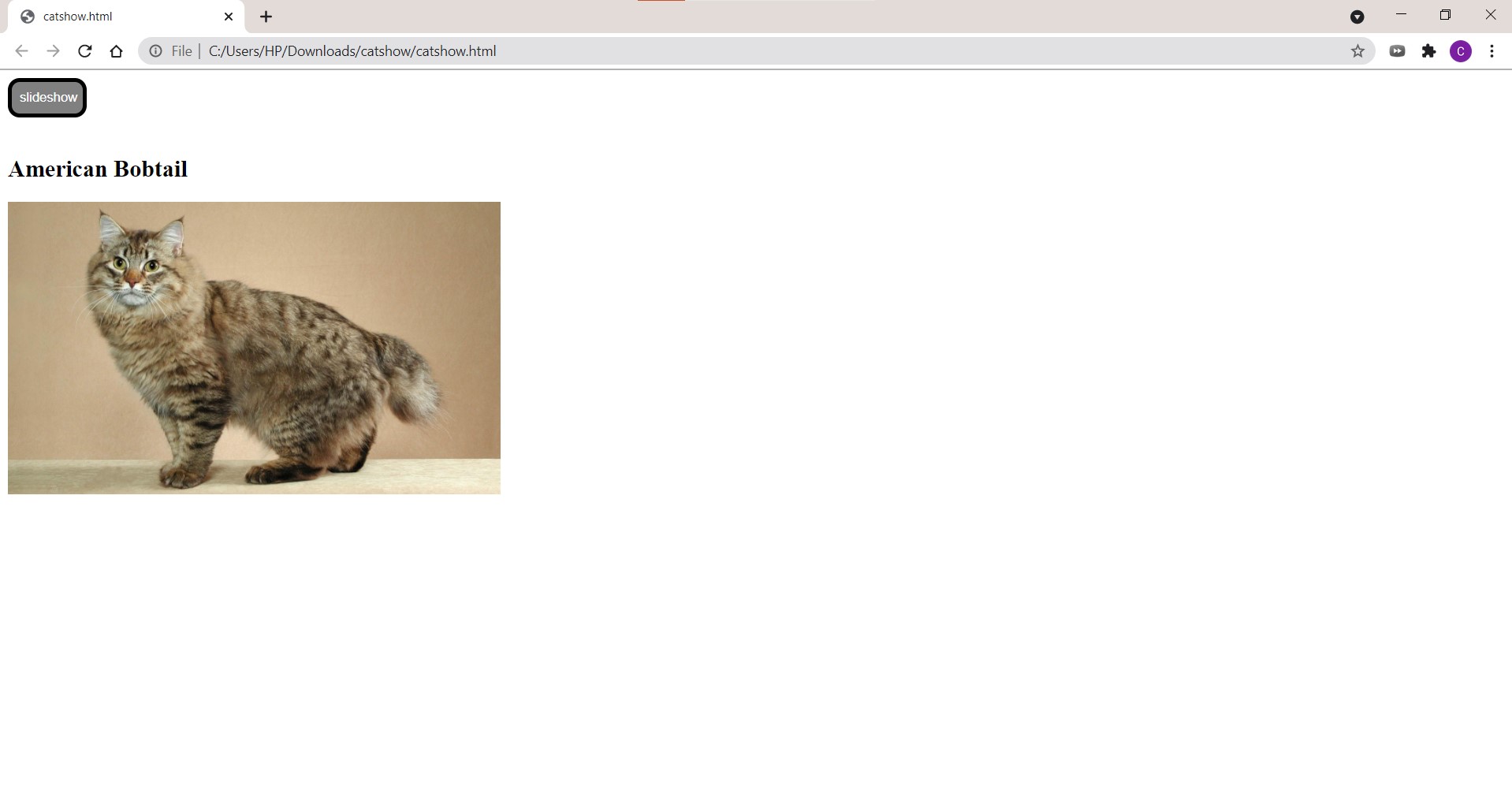
Within the loadNextImage function, we then called another function named slideshow(). This function was connected to the button, and every time it was called, it would set the image on screen to a new image from the API.
My task for this project was to create a website showcasing multiple breeds and their related information from the Cat API. I did this through utilizing Vue.js components and props. Vue.js is a framework for building user interfaces, and Vue components are custom elements located inside of a root Vue instance. I took the original code from the JavaScript file and adapted it to create a Vue component which encapsulated the functions, button, and code to retrieve the data from the API. The breed of which to pull data about is specified through a prop which is a sort of variable for a component. It is passed into the component when a new instance is created. I then added more information about the given breed from the API to be displayed within the component and used various div elements and css to format the bar graphs according to the data provided by the API. Finally, to make the website more aesthetically appealing, I used a template from HTML5 UP to bring everything together and separate different instances of the slideshows into different tabs. This resulted in the website that you see now.